Python package · web app coming soon
AcadGIS
Publication-ready academic GIS study-area maps — boundaries, choropleths, terrain, rivers and locator insets — in a few lines of Python.
import acadgis as agis

# The whole locator figure in one call — pick a template
agis.study_area(
    "Bangladesh",
    steps=[("division", "Dhaka"), ("district", "Madaripur")],
    template="cascade", terrain=True,
)
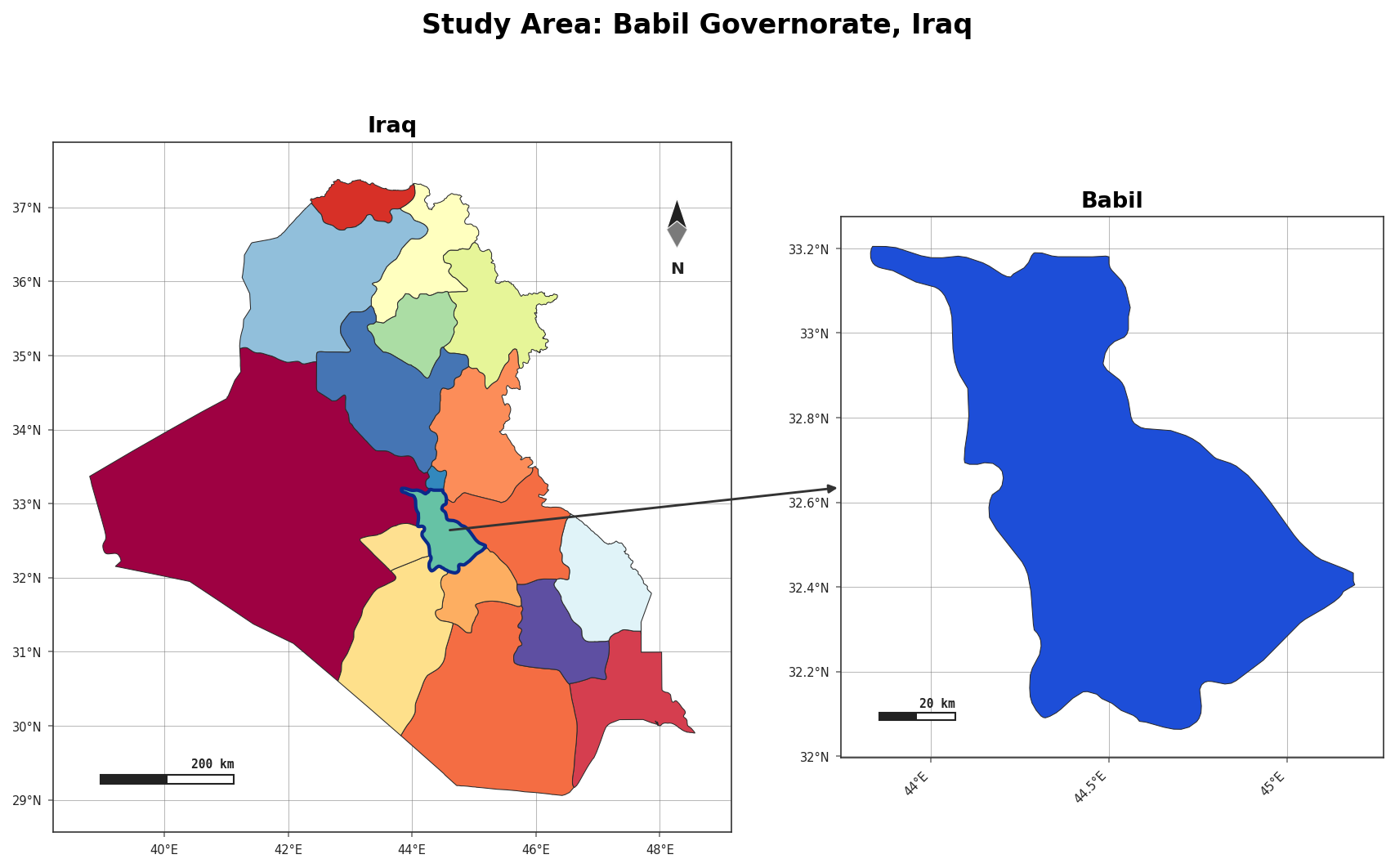
What AcadGIS does
Boundaries on demand
Country → state → district → sub-district, by name, from GADM — cached after first use. Read more
Styled maps
12 palettes, 6 themes, north arrows, scale bars, graticules and legends in one call. Read more
Prefer no code?
A companion no-code web app is in the works at acadgis.com — the same figures, edited in the browser.