Terrain & relief
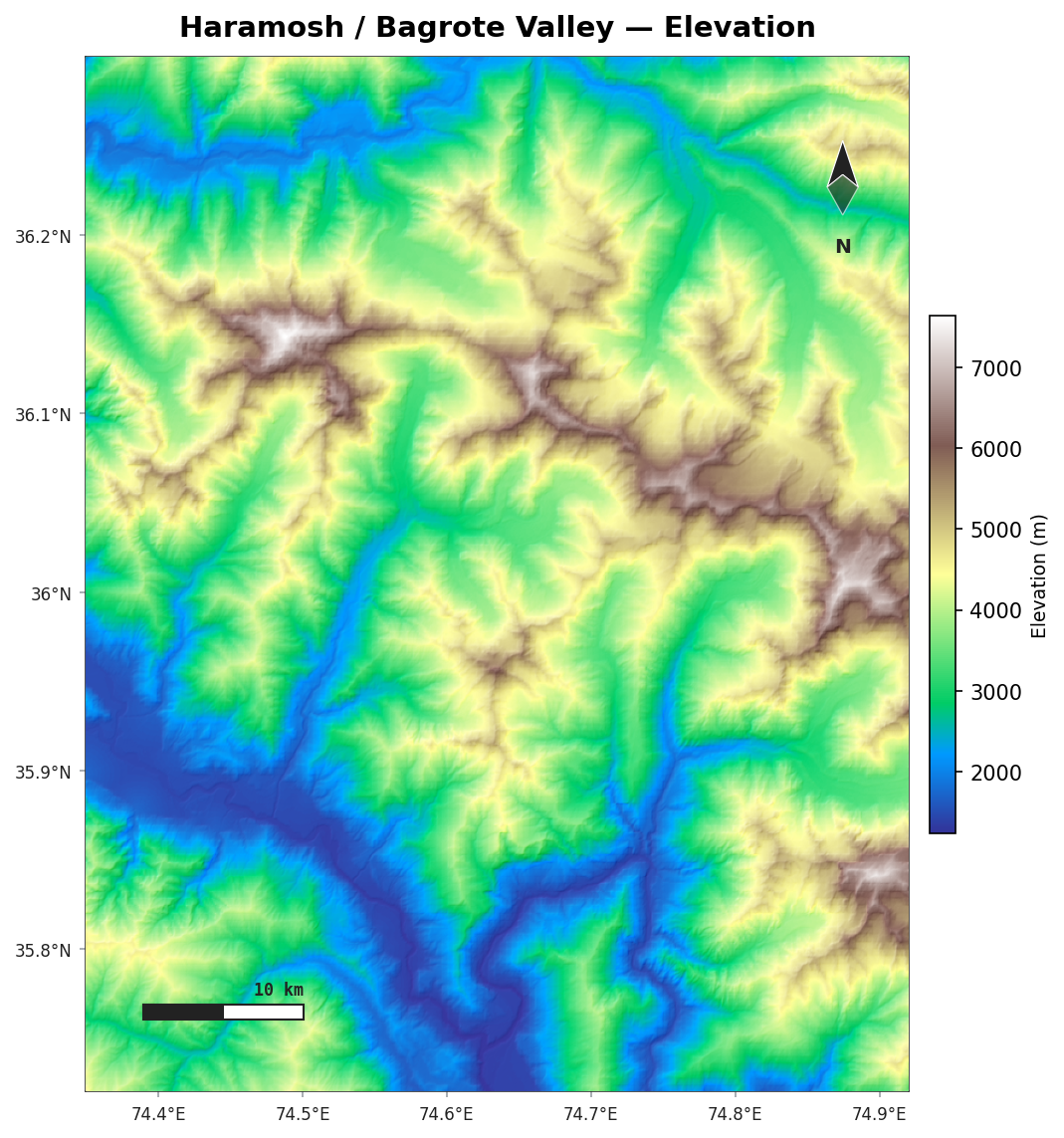
AcadGIS renders shaded relief and hypsometric (elevation-tinted) terrain from Copernicus GLO-30 — a 30 m global DEM that needs no API key.
Install the terrain extra
pip install "acadgis[terrain]" (adds rasterio and rioxarray).
Loading a DEM
load_dem() accepts a place name, a bounding box, or a GeoDataFrame — it downloads and mosaics
the GLO-30 tiles that cover the area:
dem = agis.load_dem("Bagrote Valley")                 # by name
dem = agis.load_dem((73.9, 35.7, 74.5, 36.3))         # (minx, miny, maxx, maxy)
dem = agis.load_dem(agis.load_boundaries("Iraq", "governorate", within="Erbil"))
Hypsometric tint and hillshade
agis.relief(dem,
            hillshade=True,        # blend a shaded-relief layer
            cmap="terrain",        # any matplotlib colormap
            legend_label="Elevation (m)")
Useful colormaps for terrain: terrain, gist_earth, gnuplot2, cividis.
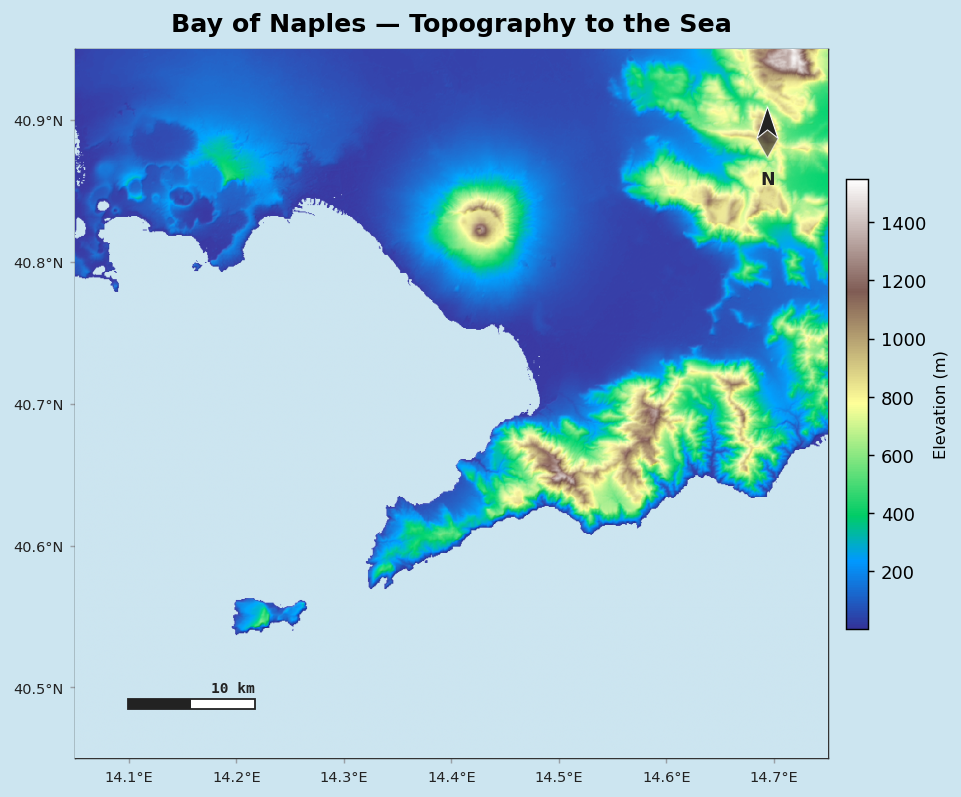
Realistic coast to the ocean
Render the sea in a believable colour so topography reads clearly down to the coastline:
Decorations and export
relief() shares the decoration system — graticule, north arrow, scale bar — and returns the
axes:
ax = agis.relief(dem, hillshade=True, north_arrow=True,
                 scale_bar=True, graticule=True)
agis.save(ax, "relief.png", dpi=300)
Just the hillshade
For a grayscale shaded-relief layer to composite yourself:
Drainage networks
With the drainage extra you can extract stream networks from a DEM by flow accumulation:
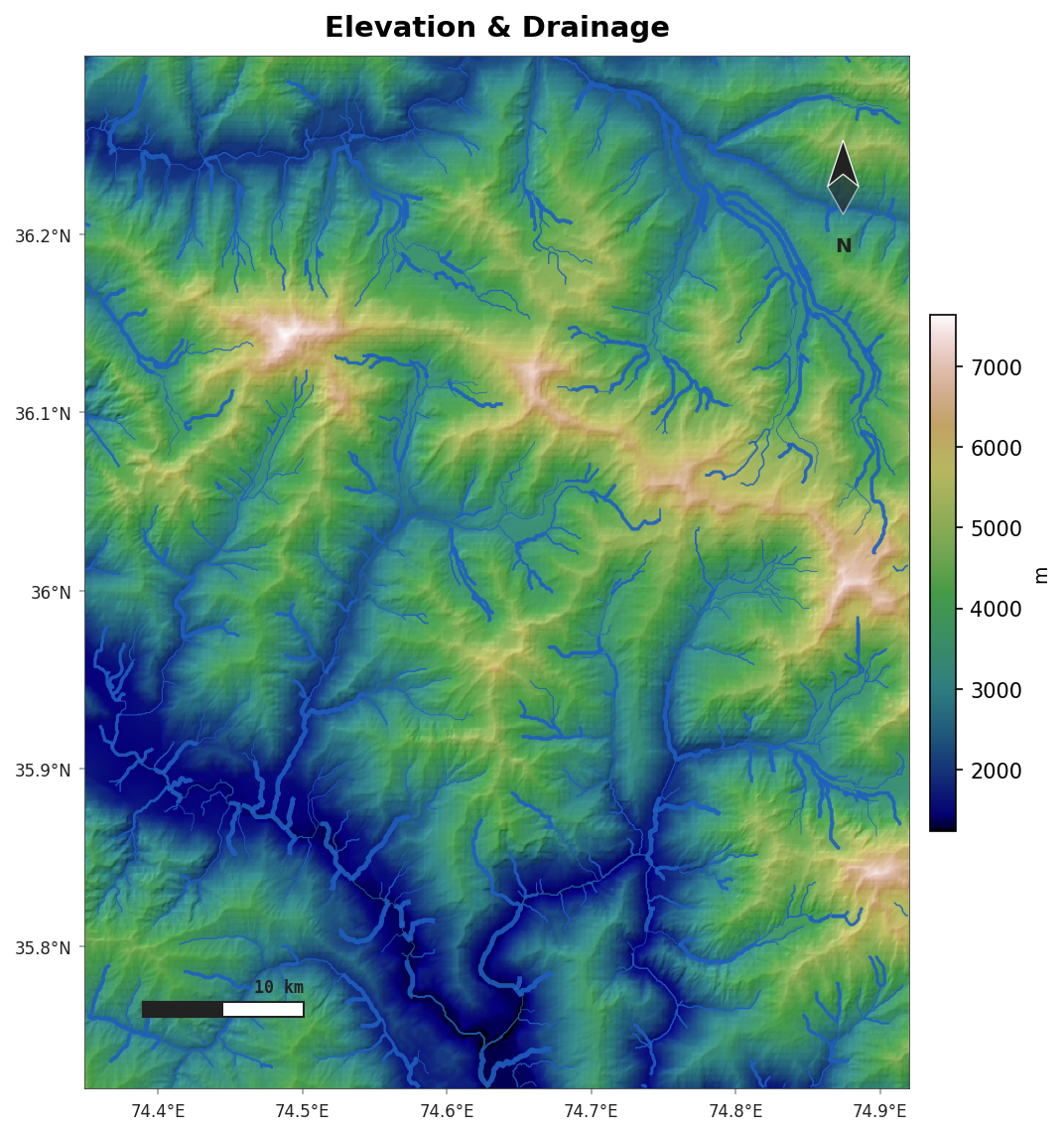
Requires pip install "acadgis[drainage]".